Get Canadian Passport Photo Size Done Right—From Home


As seen in




How does our photo tool work?

Take or upload a photo

Get your photo verified

Enjoy your photo

Why it's worth trying us?

Thanks to our excellent AI and well-skilled Photo Experts, we create top-notch photos just like that!

Fast and reliable
Skills and experience

Worth every penny
Canada Passport Photo—Specifications
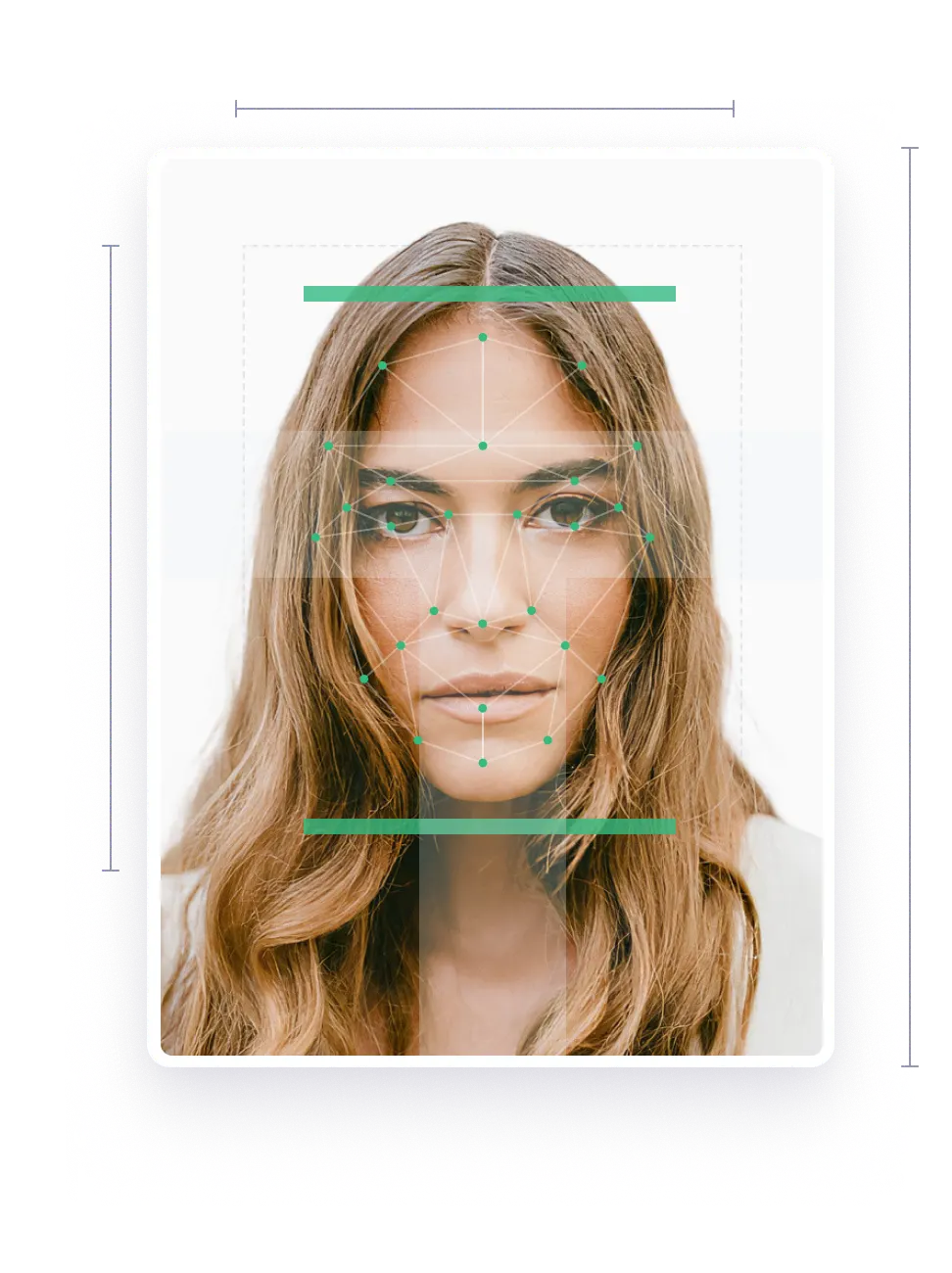
50 %


Width: 2400 px
Height: 3600 px

Yes

Head height: 50 %
Top of the Photo to Top of the Hair: 14.3 %
Bottom of the Photo to the Eye Line: 55.7 %


600 dpi

Yes
How to prepare yourself?
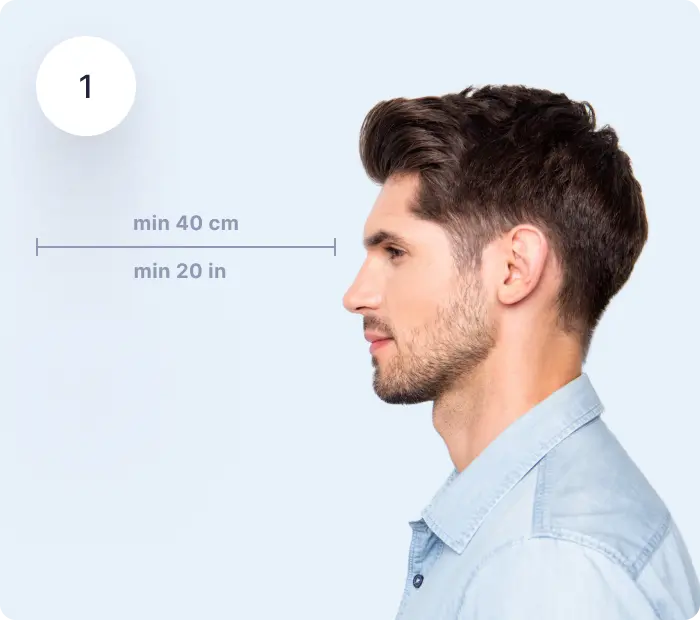
Distance from the camera
Take the photo from a distance of about 20 inches from your face. Ideally, the photo should be taken by another person.

Face in front of the camera
Place your face in front of the lens and keep a neutral expression on your face. Hold the camera at face height.

Even lighting
Just stand facing a light source such as an exposed window. Don't worry about the background.
Where to get Canadian passport photos?
Whether you are in Vancouver, Toronto, Montreal, Ottawa, or Quebec, you can always get passport pictures from home. Take a photo of yourself using a tripod or ask someone to take the picture using a smartphone and upload it onto our website or app.
Our photo cropper and background eraser will prepare a Canadian passport photo in 3 seconds! Then, you will be able to download the digital version and a ready-to-print passport photo template, or simply order it to be delivered to your door!
Where can I get and print my Canadian passport photo?
Prepare the passport pictures on our website - take a picture, upload it, and check if you like the image. If you don’t think the passport photo looks good, simply retake the picture as many times as you wish!
Choose one of the options - you can get the passport photo template for free, though it will require some effort from your side to prepare the picture to meet all the requirements. Or download professional Canadian passport photos with an acceptance guarantee. Customers can also get printed photos delivered to their door!
Below you will find the guidelines on how to take a biometric photo that will meet all the official requirements! (or just take a photo and our AI compliance check tool will inform you about any errors it may have)
Canada passport photo requirements
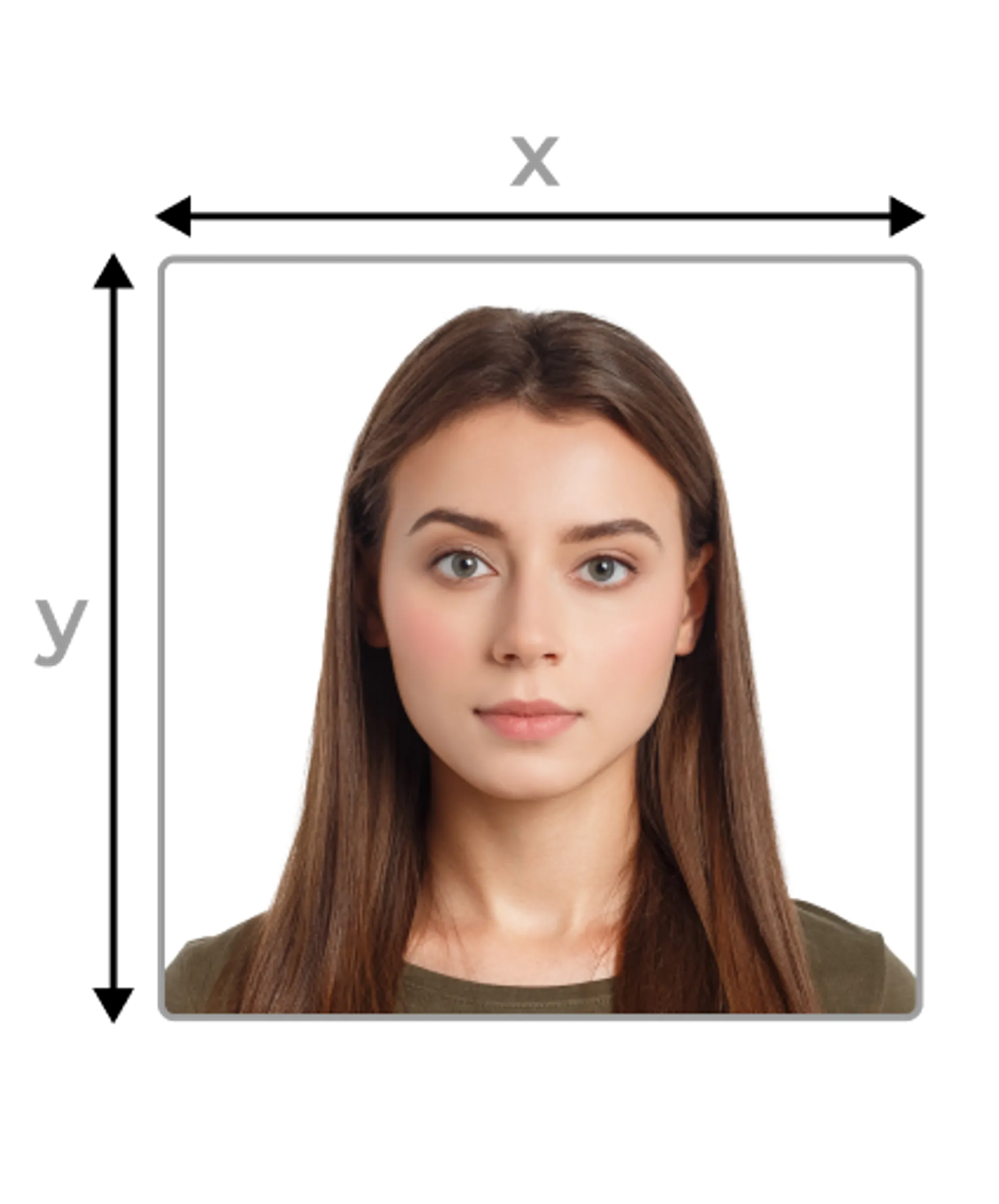
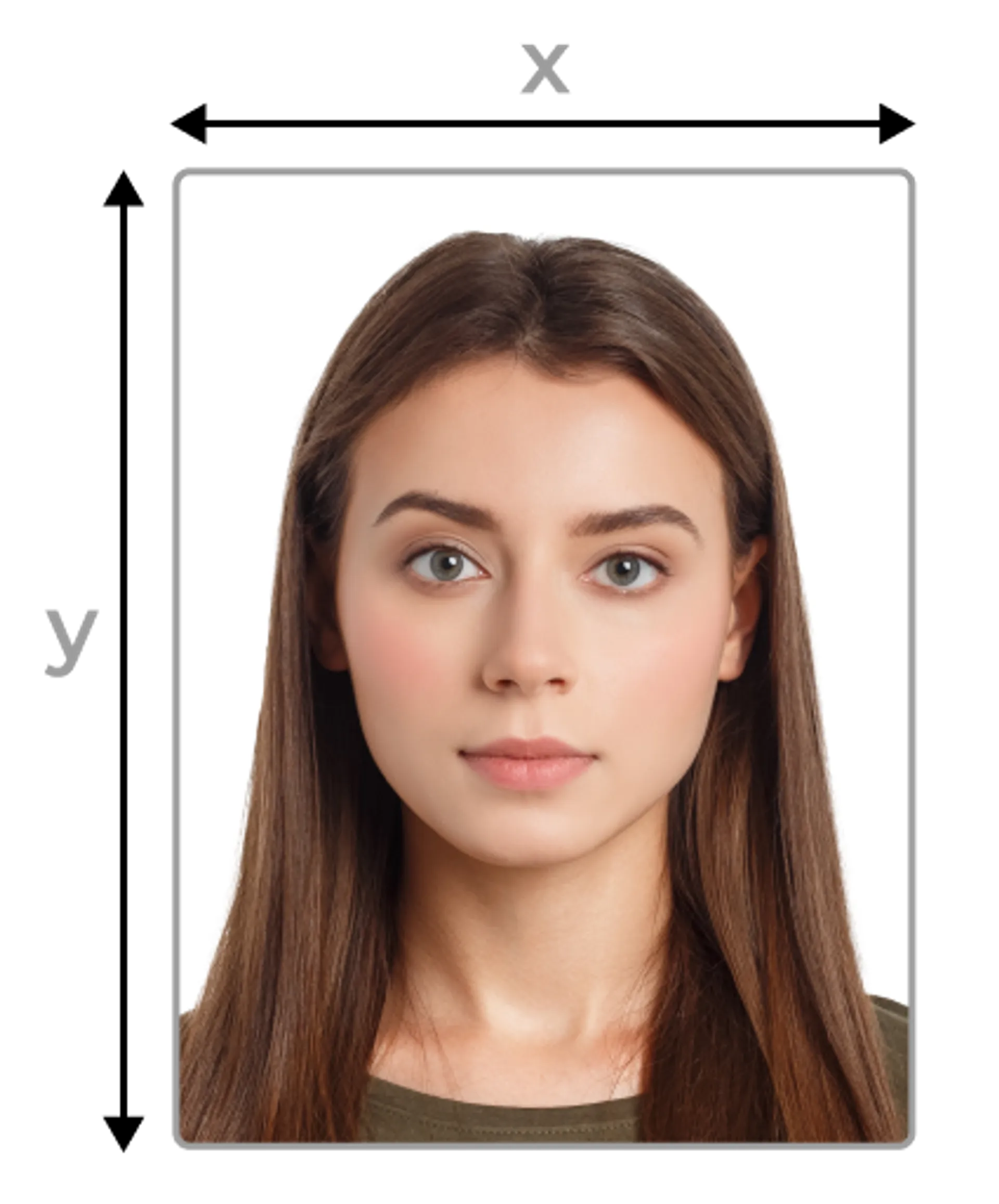
Applicants planning to apply for a Canadian passport need to provide two identical colour or black-and-white photos. The pictures need to have identical measurements of 50 × 70 mm width x height (2 × 2.7 inches). It is crucial to provide an up-to-date photo taken within 6 (six) months before the application.
Passport pictures should be printed on high-quality photo paper. Any other type of paper (e.g. heavy-weight paper) is not allowed. Original pictures must be taken for the purposes of the documents, made from a single negative or a single electronic image file, and cannot be copied from other existing photos.
How to pose for your passport photo?
Position your body in front of the camera. Don’t tilt it in any direction - the face must be facing the camera straight on. Don't smile or show your teeth, and maintain a neutral facial expression. You have to look straight into the camera lens.
What must be visible in the photo?
The face must be between 1 1/4 inches (31 mm) and 1 7/16 inches (36 mm) high in the image area. The image must show the entire head from its crown to the bottom of the chin. The frame of the photo should also include the neck and the edge of the shoulders.
Background
A passport photo must be taken against a plain white or light background. There must be sharpness and sufficient contrast between the background,facial features, and clothing—the face or clothing cannot blend into the background.
Lighting
The lighting in the photo must be uniform and frontal to avoid glare or shadows. It’s best to use natural light, as the pictures must show the natural skin tone.
The best recommendation is to sit facing a window. Make sure to avoid light that’s too bright, because this could make the passport photo overexposed.
Headcovers
A photo for a Canadian passport should be taken without a hat.
However, religious or medical headcovers are allowed. A religious hat or scarf cannot cover the face or even cast a shadow.
It is very important that the entire face is clearly visible. So if a scarf worn due to religious beliefs covers the mouth and nose - it will have to be loered below the chin while taking the photo.
Glasses
It’s acceptable to wear medical glasses while posing for the photo as long as there is no glare on them, but tinted glasses or sunglasses are not allowed. Also, the eyes, especially the pupils, must be visible.
However, to increase your chance of getting the correct photo, it's better to take a picture without glasses.
Clothing
There are no special dress requirements for the Canadian passport photo. Applicants are allowed to wear casual clothing, but with some exceptions. The clothes should not be too extravagant.
Avoid wearing any uniforms as this may cause your photo to be rejected by the Immigration, Refugees and Citizenship Canada (IRCC) department. As we’ve already mentioned, you can’t blend in with the background, so it’s recommended to avoid wearing white for your passport photo. The same applies to black clothing which can have a similar effect.
Jewellery
When it comes to jewellery, the rule of ‘less is more’ is highly practised in passport photo fashion. Don’t wear large earrings that could cover a part of the cheeks, because they may obscure the jawline, which is an important aspect of biometric photos. Any jewellery that could potentially cover even a small part of the face shouldn’t be worn, however a small pair of earrings or a dainty pendant necklace should be okay.
Makeup
The Canadian government doesn’t provide any special requirements regarding makeup in their official guidelines. However, it is recommended to avoid bold makeup, which - as we know - can completely change a person’s appearance.
Natural and delicate makeup is allowed - ideally, it should be the makeup you wear on a daily basis. However, avoid using lip gloss and heavily pearly eye shadows. If your skin tends to glow, it's a good idea to use special matting wipes before taking the passport photo.
Canadian passport biometric photo
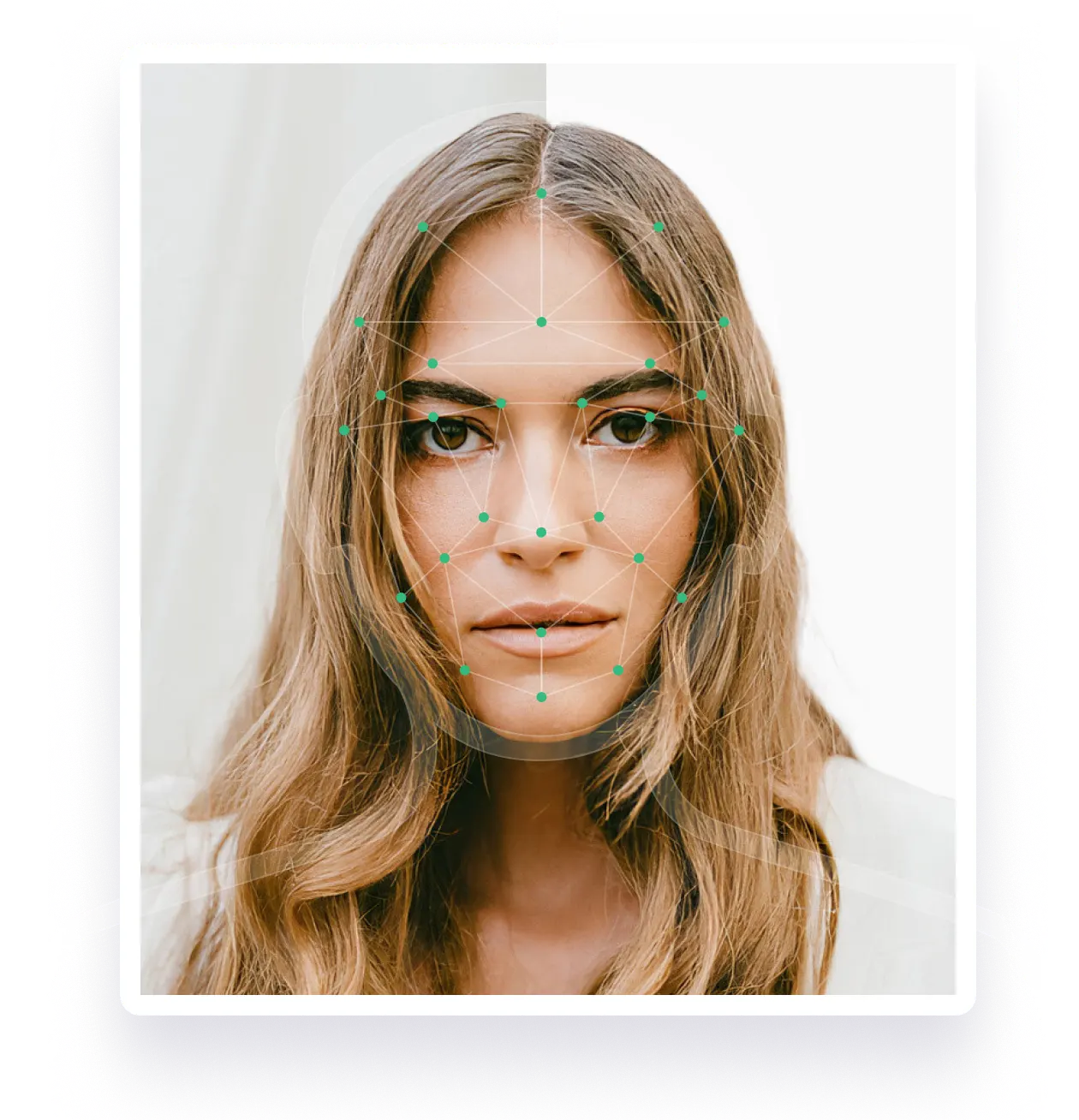
All the above requirements apply to biometric photos, which are the only ones accepted when applying for a Canadian passport. The biometric photo highlights all the individual biometric features such as the jawline, the shape of the eyes, nose, and mouth and enables easy and quick identification of an individual.
Most of the Canadian passport photo requirements pointed above are the standard biometric photo requirements. Although considering passport photo requirements in other countries, we can say that the Canada passport picture size (5×7 cm) is pretty uncommon.
How to take a Canada passport photo with a smartphone?
Our online document photo software allows applicants to take a photo for their Canadian passport with a smartphone. All you need to do is position yourself correctly and ensure the face is evenly illuminated on both sides. Make sure there are no shadows on your face, shoulders, ears, or in the background. Attach the ready photo to our tool.
This intelligent software will automatically check whether the image is correct and meets all requirements. If so, it will remove the background from the image. Then, the finished, prepared photo will be sent to your email, so you can print the picture and attach it to the Canadian passport application.
The Canadian passport photo checklist
- A uniform background (preferably white).
- Picture size is 50×70 mm (2 × 2.7 inches).
- The length of the face from the chin to the top of the head must be between 31 mm (1 1/4 inch) and 36 mm (1 7/16 inch) in the frame.
- No shadows are allowed in the photo.
- Position your body and head directly in front of the camera.
- Don’t tilt your head or show your ‘better profile’.
- Keep a neutral facial expression.
- Don't squint your eyes, don't smile, and do keep your mouth naturally closed.
- Sign the back of the photos and put a note with the date on which the photo was taken.
- Don’t modify the photo using graphic design programs.
- Make sure the photo is sharp and reflects your natural skin tone.
- Don’t apply any filters to the photos.
- Make sure your hair doesn’t cover your face and/or eyebrows.
- While your ears don’t have to be visible in the image, your jawline must be.
- Make sure that the frame includes your entire face from the top of the head to the chin, neck and part of the shoulders.
- The pupils of your eyes should be visible, including the color of the iris (a red-eye effect is not accepted).
- If you wear corrective glasses, make sure there are no reflections or glares.
Photo requirements are based on: www.canada.ca
Documents
We provide photos for IDs from all over the world. You’ll find the one you are looking for!
Choose your document
Biometric photos.
Always. Anywhere. Online.
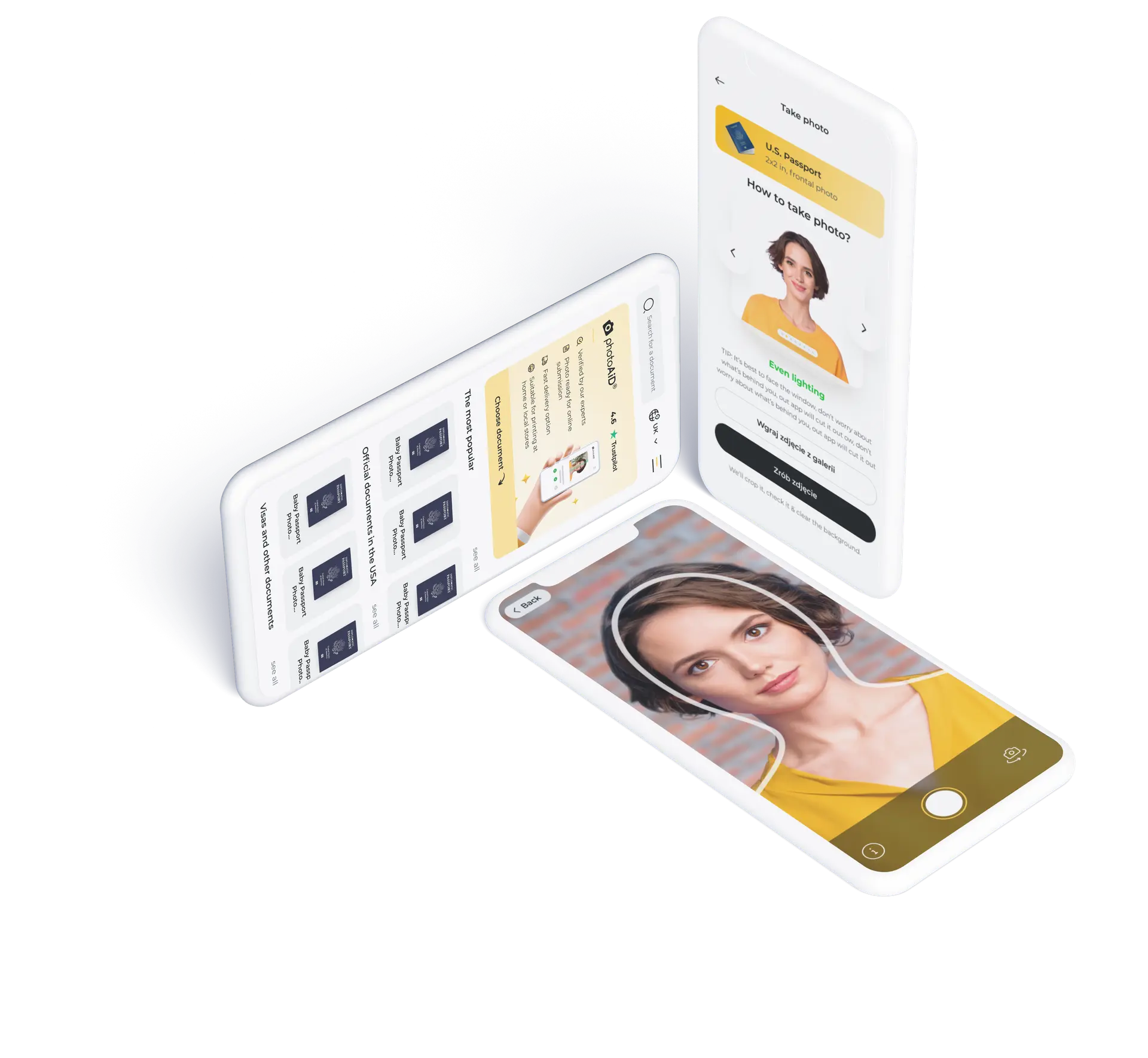
Get the free app for iOS or Android.


The best option is to take this photo at home.
Use our online photo tool, which adjusts your photo to the requirements.
Are You Satisfied With Our Service?
Let us know how we’re doing.
Customer feedback is always welcome.
Rate Your Reading Experience:

Number of votes: 0
